Mechanical vs membrane keyboard for gaming often gets framed as a feel preference. But there is a real, measurable performance gap underneath the clicky sound and the marketing photos.
📋 Table of Contents
TL;DR: Mechanical switches register your input earlier than membrane keys. They are also more consistent. Proper mechanical keyboards support true N-key rollover, so every key you press actually registers. Membrane keyboards still work fine for casual play. For anything competitive, the gap is real.
Quick wins if you are in a hurry
- If you are missing inputs during fast combos, check whether your keyboard actually supports N-key rollover.
- Linear switches like Cherry MX Red actuate around 2mm into the keypress, faster than most membrane keys.
- Speed-focused switches actuate even earlier, often around 1.1mm, if split-second response matters to your game.
- Clean your keys and check for chattering before assuming your aim or timing is the problem.
Got 10 more minutes? Keep reading for the full breakdown.

Grab Your 6★ Weapon Before It's Gone!
- Free-to-play strategy
- Optimized for Windows PC

Start With 10,000+ Oroberyls , Hit Play!
- Arknights: Endfield — Free on PC. 10,000
- Oroberyls up for grabs.

Your Squad's Waiting. Jump In Free!
- New Homecoming Expansion: 2 Maps, 2 Operators, 1 Free 6★ Weapon: $0.
- Action RPG - Base Building on PC-Play Free, Keep Your Progress on Mobile.
This assumes you have already ruled out input lag from your monitor or your USB polling settings.
Mechanical vs membrane keyboard for gaming: actuation point and reaction time
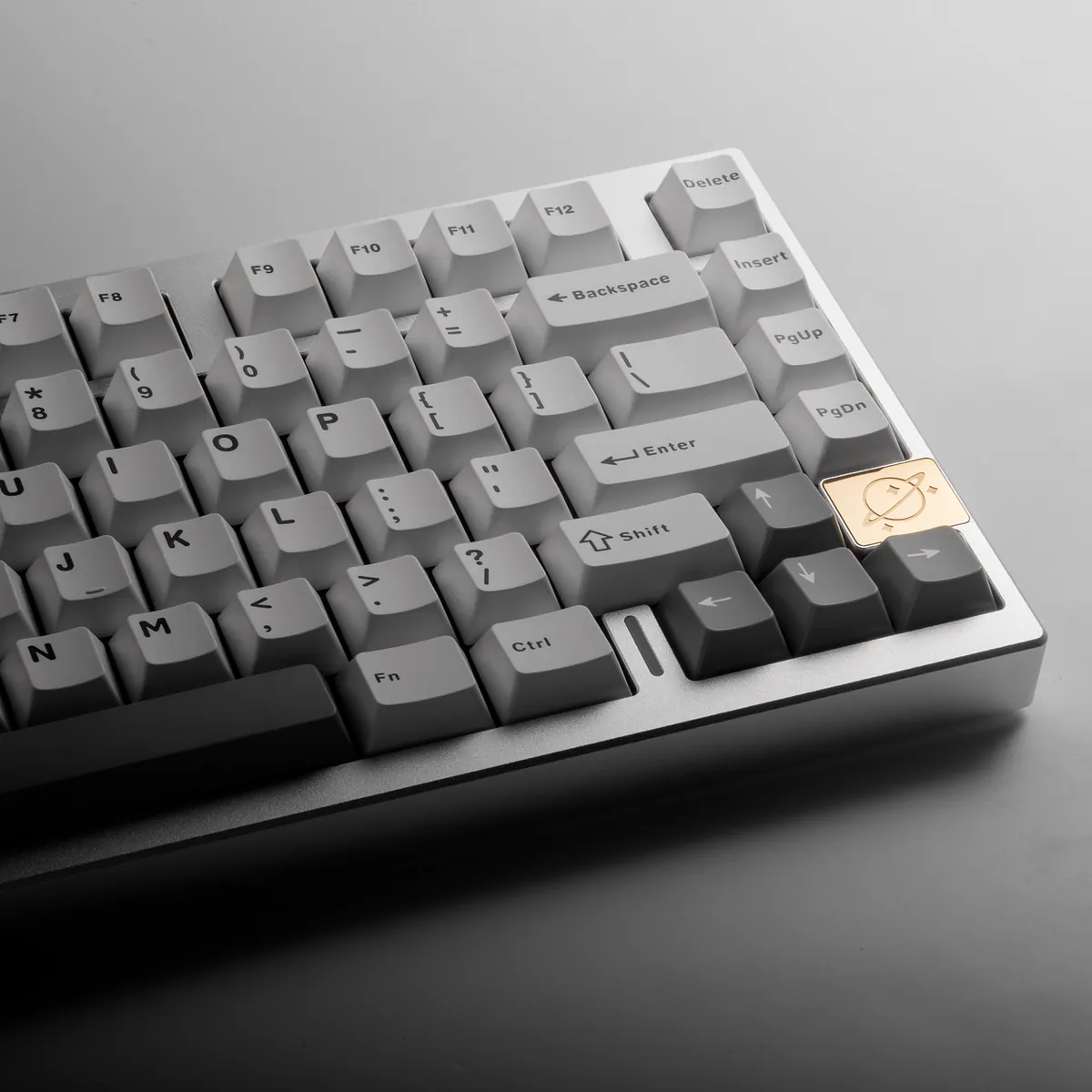
The actuation point is the exact distance a key travels before your PC registers the press. A common linear switch, like Cherry MX Red, actuates around 2mm into its travel. Membrane keys usually need to go further down, closer to the bottom, before they register. That gap is small. But it adds up across hundreds of inputs in a match.
Total mechanical latency, from keypress to a registered signal, usually runs 15 to 25 milliseconds. High-end analog optical switches push that down to 2 to 4 milliseconds. I noticed the difference most in fast shooters, where a fraction of a frame can decide a duel.
N-key rollover and anti-ghosting explained simply
N-key rollover, or NKRO, means every key on the board can register at the same time. It does not matter how many you press together. Gaming keyboards usually support full NKRO. Many membrane keyboards only handle a handful of keys at once. After that, inputs start dropping, or “ghosting,” registering a key you never pressed.
This matters most in games with heavy key combinations. Think strafing while reloading while using an ability. A dropped input here is not just a feel issue. It is a missed action.
Where membrane keyboards still hold up fine
For single-key inputs and casual play, a decent membrane keyboard will not hold you back. I still keep a membrane board at my secondary desk for general use. I honestly do not notice the gap until I am back in a ranked match. The gap matters most under speed and simultaneous inputs, not in every game.
Switch types for gaming and when each helps
| Switch type | Feel | Best for |
|---|---|---|
| Linear | Smooth, no bump, consistent press | Fast repeated inputs, competitive FPS |
| Tactile | Noticeable bump at actuation | Typing accuracy, general use |
| Clicky | Tactile bump plus audible click | Feedback preference, not speed |
Linear switches tend to be the popular pick for competitive play. Nothing in the travel slows down repeated presses. RTINGS’ linear switch testing backs up why competitive players gravitate toward this category.
Common issues and fixes
Issue: A single keypress registers twice, especially on movement keys.
Fix: This is switch chatter. It is usually fixed by adjusting debounce settings in the keyboard software, or by replacing a worn switch.
Issue: Pressing multiple keys together drops one of them.
Fix: Confirm your keyboard actually supports full NKRO. Check that it is enabled in the keyboard’s software. Some boards default to a lower rollover mode over certain connections.
Issue: Keyboard feels slower than expected despite mechanical switches.
Fix: Check the actuation point of your specific switch. Not all mechanical switches are tuned for speed. Some tactile and clicky switches actuate later in the travel.
Frequently asked questions
Is a mechanical keyboard actually better for gaming?
For competitive or combo-heavy games, yes. Faster actuation and full N-key rollover provide a measurable edge over most membrane keyboards.
What is N-key rollover and do I need it?
It means every key you press registers, no matter how many at once. It matters most in games with heavy key combinations.
Which switch type is best for competitive FPS?
Linear switches, since there is no tactile bump slowing down repeated presses.
Quick checklist before you buy
- Confirm full NKRO support, not just “anti-ghosting” marketing language
- Pick linear switches if competitive response time is the priority
- Check actuation point in millimeters, not just the switch brand name
- Test for chattering or double inputs early, most are fixable in software
This is one piece of a complete competitive setup. Our complete gaming gear guide ties the mouse, keyboard, and headset side of performance together.
A faster keyboard only helps if your mouse is not the weaker link in the chain. Our guide on whether a gaming mouse improves your aim covers the other half of your input setup.
Written by Kade | FPSFlow.com
Focus: PC performance optimization and FPS troubleshooting
Last updated: June 2026
Method: Based on hands-on testing across linear and tactile switches, and published switch actuation specifications