How polling rate and DPI actually affect your aim is a question that gets buried under marketing numbers the moment you start shopping for a mouse. Every box wants to brag about a bigger figure, and almost none of them explain what the number actually changes for you.
📋 Table of Contents
TL;DR: DPI controls cursor sensitivity, polling rate controls how often your mouse reports position. Most competitive players run lower DPI than the marketing suggests and a polling rate of 1000Hz is already enough for the vast majority of games. Higher numbers exist, but they solve a smaller problem than people assume.
Quick wins if you are in a hurry
- Set DPI between 400 and 800 if you play competitive shooters.
- Leave polling rate at 1000Hz unless you have a specific reason to go higher.
- Calculate your eDPI (DPI multiplied by in-game sensitivity) and aim for a consistent number across games.
- Stop chasing the highest DPI number on the spec sheet, it is not the setting doing the heavy lifting.
Got 10 more minutes? Keep reading for the full breakdown.

Grab Your 6★ Weapon Before It's Gone!
- Free-to-play strategy
- Optimized for Windows PC

Start With 10,000+ Oroberyls , Hit Play!
- Arknights: Endfield — Free on PC. 10,000
- Oroberyls up for grabs.

Your Squad's Waiting. Jump In Free!
- New Homecoming Expansion: 2 Maps, 2 Operators, 1 Free 6★ Weapon: $0.
- Action RPG - Base Building on PC-Play Free, Keep Your Progress on Mobile.
This assumes you already have mouse acceleration turned off in Windows and in-game, since that setting interferes with both DPI and polling rate consistency.
DPI explained: what it actually controls
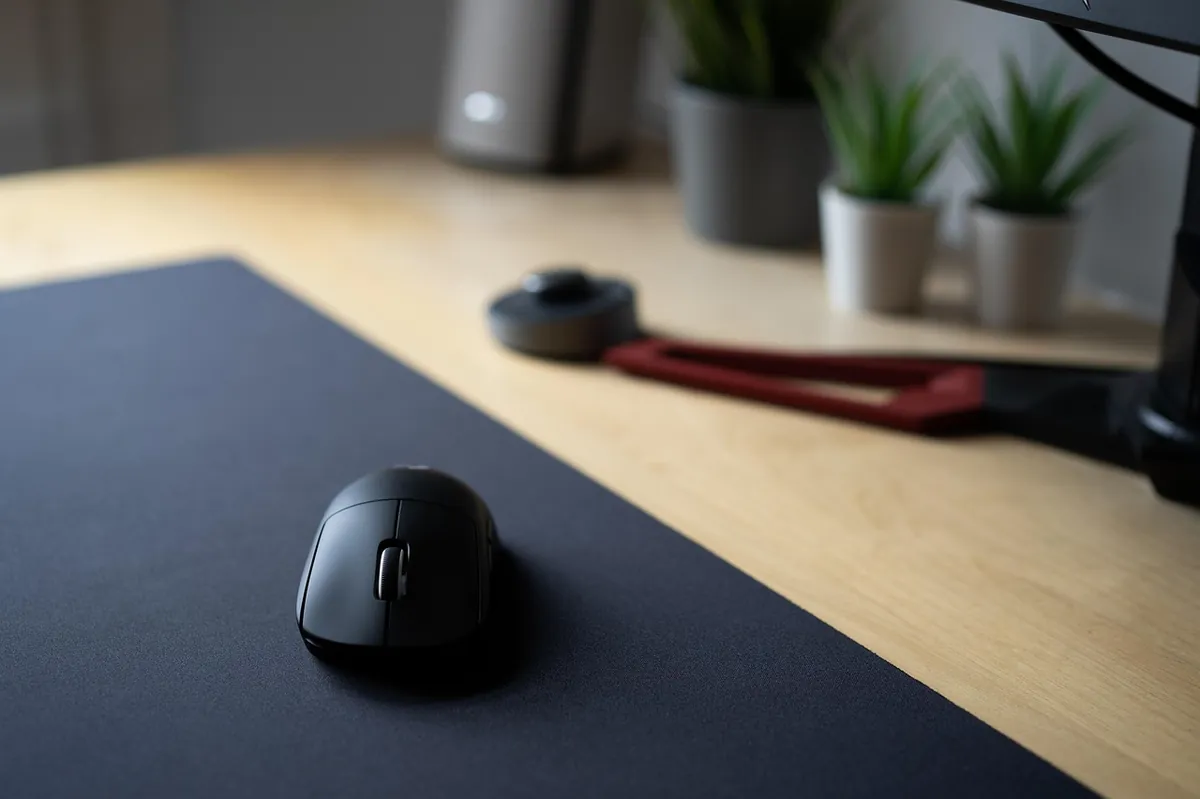
DPI, dots per inch, controls how many counts the sensor reports for every inch your hand moves. Higher DPI means your cursor or crosshair moves further for the same physical hand movement. It does not make your sensor more accurate, it just scales the output. I have swapped between 400 and 1600 DPI on the same sensor more times than I can count while dialing in a new mouse, and the aim difference always came down to whether the sensor stayed clean at that DPI, not the number itself.
Most competitive FPS players run their mouse DPI between 400 and 800, then tune actual sensitivity through the in-game slider. The combined result, often called eDPI, is what really determines how far your crosshair travels for a given hand movement, and most pros land somewhere around 300 to 400 eDPI regardless of which raw DPI number they started from.
Polling rate explained: what it actually controls
Polling rate is how often your mouse tells your PC where it is, measured in Hz. A 1000Hz mouse reports its position every millisecond. An 8000Hz mouse reports eight times more often than that, which can reduce the tiny delay between your hand moving and the cursor updating on screen. Logitech’s own explainer on polling rate breaks down the same math in more detail if you want the full picture.
For the overwhelming majority of players, 1000Hz is already enough that polling rate is not your limiting factor. The jump to 8000Hz shows up mostly in extremely fast flick shots at the highest levels of competitive play, not in everyday matches.
How polling rate and DPI affect your aim once you go past the marketing numbers
A noisy sensor at high DPI just reports its inaccuracy more precisely. The same is true of polling rate paired with a sensor that cannot keep up. The spec that actually protects your aim is sensor accuracy, not the biggest number on the box. I would rather run a clean sensor at 800 DPI and 1000Hz than a noisy one cranked up to flagship numbers.
Recommended starting points by game genre
| Game type | Suggested DPI | Polling rate |
|---|---|---|
| Competitive FPS (Valorant, CS2) | 400 to 800 | 1000Hz |
| Battle royale / Warzone style | 800 | 1000Hz |
| MMO or strategy | 800 to 1600 | 1000Hz |
| Competitive at the highest level | 400 to 800 | 2000 to 8000Hz if your mouse and PC support it |
Common issues and fixes
Issue: Aim feels twitchy and overshoots targets constantly.
Fix: Lower your DPI rather than only lowering in-game sensitivity. High raw DPI with a heavily reduced in-game sensitivity tends to feel less precise than the reverse.
Issue: Increased polling rate caused stutter or higher CPU usage.
Fix: Extremely high polling rates can add CPU overhead on weaker systems. Dropping back to 1000 or 2000Hz usually resolves it without a noticeable aim cost.
Issue: Sensitivity feels inconsistent between games.
Fix: Calculate your eDPI for each game and match it, rather than trusting that the same in-game slider number feels the same everywhere.
Frequently asked questions
What is a good DPI for FPS games?
Most competitive players run 400 to 800 DPI and tune in-game sensitivity from there.
Do I need 8000Hz polling rate?
Almost certainly not. 1000Hz is enough for the vast majority of players and games.
Does higher polling rate fix a noisy sensor?
No. A noisy sensor reports its inaccuracy more often at higher polling rates, it does not become more accurate.
Quick checklist
- Pick a DPI in the 400 to 800 range and leave it alone
- Keep polling rate at 1000Hz unless you have confirmed a reason to raise it
- Calculate eDPI and keep it consistent across the games you play
- Prioritize sensor accuracy over both numbers when actually buying a mouse
This is one piece of a complete competitive setup. Our complete gaming gear guide ties the mouse, keyboard, and headset side of performance together.
DPI and polling rate are only useful once the rest of your mouse is solid. Our guide on whether a gaming mouse improves your aim covers the hardware side of this same question.
Written by Kade | FPSFlow.com
Focus: PC performance optimization and FPS troubleshooting
Last updated: June 2026
Method: Based on hands-on sensitivity testing across multiple sensors and DPI ranges, and documented sensor specifications