Does a gaming headset help you hear footsteps better? Or have you just been blaming your hardware for something a settings menu could fix? I went down this exact rabbit hole after one too many flanks in ranked. What I found surprised me a little.
📋 Table of Contents
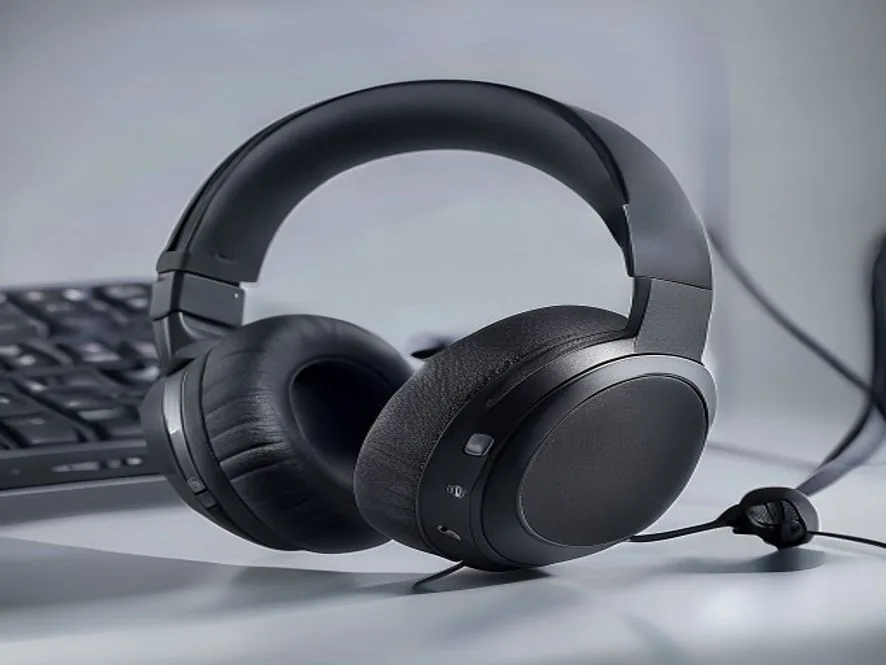
TL;DR: A good headset helps. But the biggest factor is not the surround sound feature you would expect. Plain stereo often beats virtual surround for pinpointing footsteps. Your in-game audio settings matter more than most headset specs.
Quick wins if you are in a hurry
- Try turning virtual surround sound off and test in stereo for a session.
- Check your in-game audio mix, footstep volume is a separate slider in most competitive shooters.
- Make sure music and ambient volume are not drowning out footstep frequencies.
- Test footstep direction in a custom game or firing range before trusting it in a real match.
Got 10 more minutes? Keep reading for the full breakdown.

Grab Your 6★ Weapon Before It's Gone!
- Free-to-play strategy
- Optimized for Windows PC

Start With 10,000+ Oroberyls , Hit Play!
- Arknights: Endfield — Free on PC. 10,000
- Oroberyls up for grabs.

Your Squad's Waiting. Jump In Free!
- New Homecoming Expansion: 2 Maps, 2 Operators, 1 Free 6★ Weapon: $0.
- Action RPG - Base Building on PC-Play Free, Keep Your Progress on Mobile.
This assumes your in-game volume sliders are not already buried at default settings that bury footstep audio under music and effects.
Does a gaming headset help you hear footsteps: why they are hard to hear in the first place
Footstep audio competes with gunfire, music, voice chat, and ambient effects. They all fight for the same limited frequency space. Most directional footstep cues live in the 2 kHz to 8 kHz range. That is the same band where a lot of other game audio sits. If your mix is not tuned to give footsteps room, a better headset will not save you.
Stereo vs virtual surround: what actually improves directionality
This is the part that surprised me most. Virtual surround tries to simulate a multi-speaker room. It does this using two drivers and processing software. For movies, that can sound great. For competitive FPS, that processing often smears the exact frequency range footsteps live in. It can blur, or even subtly reposition, a sound that was originally clean and precise in stereo.
Plain stereo relies on natural left-right separation, without that extra processing layer. That is why a lot of competitive players turn virtual surround off entirely. They rely on stereo imaging for cleaner directional cues instead. I tested both back to back in the same matches. Stereo consistently gave me a clearer read on which side a sound came from, even though surround sounded more “immersive” on paper.
Better surround implementations can still help. The kind that add real height and depth processing, not just width, can help you tell above from below, or front from behind. That is a different problem than left-right footstep direction, though. It is worth keeping the two separate in your head.
In-game audio settings to check before blaming your headset
Before spending money, open your game’s audio settings. Look for a footstep volume slider, a dialogue or music volume slider, and any “audio mix” preset labeled for competitive or esports use. Many shooters ship with a default mix tuned for atmosphere over clarity. Competitive presets exist specifically to push footstep frequencies forward.
When a headset upgrade genuinely helps
A wider frequency response and better driver quality do help, once your settings are already dialed in. A cheap headset with a narrow frequency range and muddy mids will hide detail no setting can recover. The upgrade I noticed the most was not a flashier surround mode. It was switching to a headset with a flatter frequency response, and letting the in-game mix do the rest. The upgrade matters most as the second step, after your mix and surround setting are already right, not the first thing to try.
Common issues and fixes
Issue: Footsteps sound directionally vague despite a “surround sound” headset.
Fix: Disable virtual surround and test in stereo. Many players find footstep direction gets clearer, not worse.
Issue: Footsteps are inaudible during firefights specifically.
Fix: Lower your music and weapon volume sliders relative to footsteps and ambient audio in the game’s mixer.
Issue: Direction sounds correct left or right but front and behind feel impossible to tell apart.
Fix: This is a known limitation of basic stereo. A quality surround implementation, with real height and depth processing, can help specifically with this front and back ambiguity.
Frequently asked questions
Does a gaming headset help you hear footsteps better?
It helps, but your in-game audio mix and stereo-versus-surround setting usually matter more than the headset itself.
Should I turn off virtual surround sound?
Try it. Plain stereo often gives a clearer directional read on footsteps than virtual surround in competitive FPS games.
What frequency range do footsteps live in?
Mostly between 2 kHz and 8 kHz, the same range as a lot of music and voice chat, which is why a crowded mix can bury them.
Quick checklist
- Test stereo against virtual surround in your specific game before committing to either
- Check for a footstep or competitive audio mix preset in your settings
- Balance music and weapon volume down relative to ambient and footstep audio
- Upgrade hardware after your settings are already tuned, not before
This is one piece of a complete competitive setup. Our complete gaming gear guide ties the mouse, keyboard, and headset side of performance together.
Audio is one piece of your input chain. If your aim feels inconsistent on top of audio issues, our guide on whether a gaming mouse improves your aim covers the other side of competitive performance.
For detailed headset frequency response testing methodology, RTINGS.com’s headphone testing framework explains how directional audio performance is measured in gaming contexts.
Written by Kade | FPSFlow.com
Focus: PC performance optimization and FPS troubleshooting
Last updated: June 2026
Method: Based on hands-on A/B testing between stereo and virtual surround modes across multiple matches, and published audio engineering research on directional cue frequencies