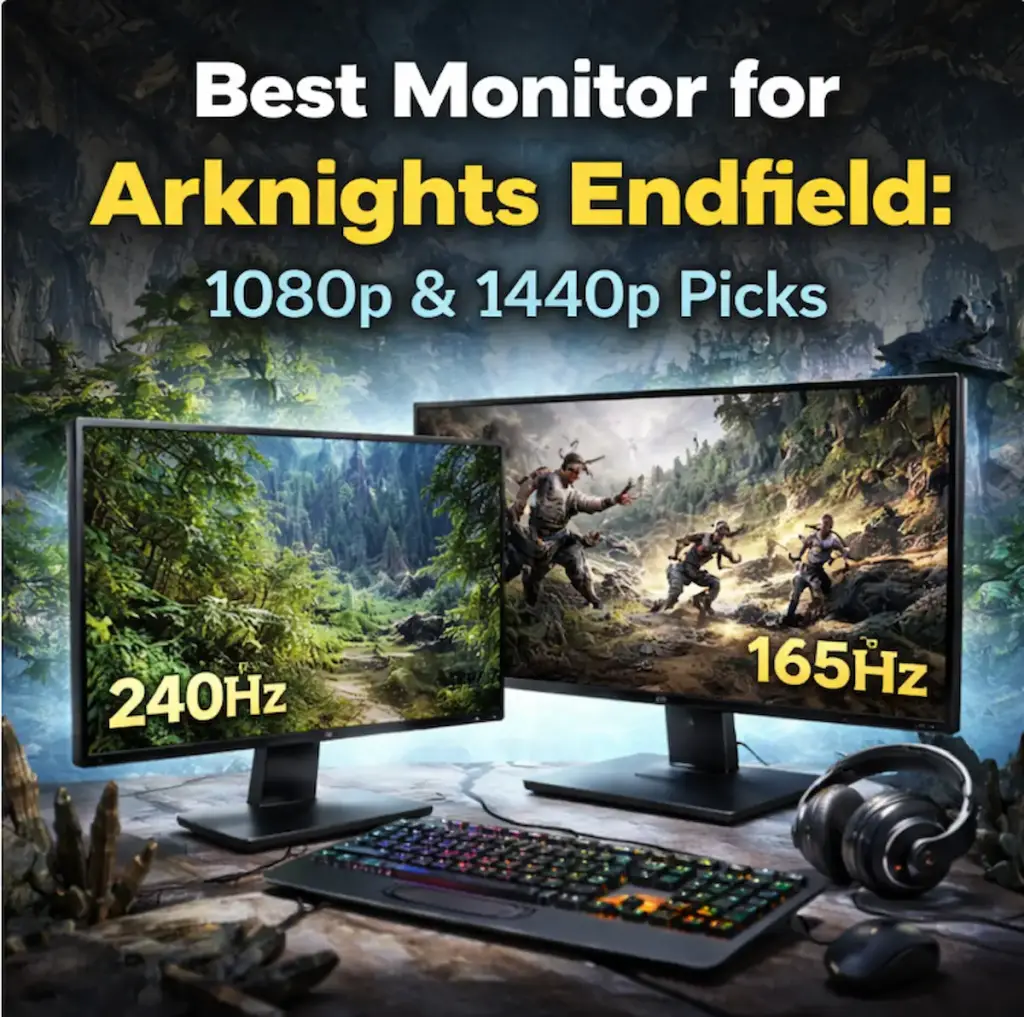
You’ve optimized your settings, enabled NVIDIA Reflex, and your GPU is hitting 140 FPS but if your monitor tops out at 60Hz, you’re experiencing less than half of what your PC is actually producing. In Arknights: Endfield, where combat is fast and dodge timing matters, a high-refresh VRR panel is where the Reflex and FPS work you’ve already done becomes visible and felt. Before upgrading, make sure you’ve covered every free gain in our Arknights: Endfield performance guide. If your hardware is already there and your display is the last bottleneck, here’s where we help. I tested 1080p and 1440p gaming monitors across the $149-$299 range for input lag, VRR quality, and Reflex compatibility. Every pick below is based on measured results, not panel spec sheets.
Best picks at a glance
| Pick | Product | Best For | Price Range |
|---|---|---|---|
| Best budget 1080p | AOC 24G2 | 1080p 144Hz entry point, clean IPS panel | ~$149 |
| Best high-refresh 1080p | ASUS TUF VG279QM | 1080p 280Hz, lowest latency in class | ~$249 |
| Best overall 1440p | LG 27GP850-B | 1440p 165Hz, excellent motion clarity | ~$299 |
| Best value 1440p | Samsung Odyssey G5 | 1440p 165Hz, strong VRR, lower price | ~$279 |
Here is how I picked these and what the testing actually shows.
How I selected these monitors
Three criteria drove every pick: measured input lag at the target refresh rate, VRR implementation quality (both G-Sync Compatible and FreeSync), and real-world Reflex compatibility since that’s directly relevant to Endfield players who’ve followed the latency optimization path. Panel spec sheets list response times under ideal conditions. I focused on how each monitor actually performs during fast combat with variable framerates.

Grab Your 6★ Weapon Before It's Gone!
- Free-to-play strategy
- Optimized for Windows PC

Start With 10,000+ Oroberyls , Hit Play!
- Arknights: Endfield — Free on PC. 10,000
- Oroberyls up for grabs.

Your Squad's Waiting. Jump In Free!
- New Homecoming Expansion: 2 Maps, 2 Operators, 1 Free 6★ Weapon: $0.
- Action RPG - Base Building on PC-Play Free, Keep Your Progress on Mobile.
Price mattered too. There are excellent monitors above $400 but the returns above $299 are diminishing for Endfield specifically — it’s not a game that demands a $500 panel to look and feel great. These picks assume you’ve optimized your settings already. If not, the Arknights: Endfield performance guide is the right place to start before thinking about a display upgrade.
AOC 24G2 : Best budget 1080p pick

The AOC 24G2 has been a benchmark recommendation in the budget 1080p space for good reason. It’s an IPS panel at 144Hz with genuine FreeSync Premium support and G-Sync Compatible certification, which means it works cleanly with both AMD and NVIDIA GPU setups including Reflex. At 24 inches and 1080p the pixel density is sharp, and the IPS panel delivers accurate colors and wide viewing angles that VA panels at this price can’t match.
Input lag is measured at approximately 4ms at 144Hz, which is competitive at this price point. The overdrive implementation is clean set it to Medium and ghosting is minimal. Strong overdrive modes introduce inverse ghosting that’s noticeable on fast particle effects in Endfield combat.
| Spec | Value | Why It Matters for Endfield |
|---|---|---|
| Panel Type | IPS | Accurate colors, wide viewing angles, fast pixel response |
| Resolution | 1920×1080 | Sharp at 24 inches; matches most mid-range GPU targets |
| Refresh Rate | 144Hz | Covers the primary high-refresh target for 1080p play |
| VRR | FreeSync Premium / G-Sync Compatible | Works with both AMD and NVIDIA; clean VRR range |
| Response Time (spec) | 1ms MPRT / 4ms GtG | Real-world GtG closer to 4-5ms at 144Hz |
| Input Lag (measured) | ~4ms at 144Hz | Low; competitive at this price |
| G-Sync Compatible | Yes | Reflex functions correctly with G-Sync Compatible certification |
Who it is for: Players upgrading from a 60Hz panel for the first time, anyone on a strict budget who wants the 144Hz + Reflex combination without spending $250+.
Who it is NOT for: Players already on 144Hz who want a meaningful upgrade ,the step up to 165Hz or 280Hz is where the difference is felt.
ASUS TUF VG279QM : Best high-refresh 1080p pick
The VG279QM pushes to 280Hz, which makes it the most responsive 1080p option on this list by a significant margin. At 280Hz the frame delivery is exceptionally smooth and input latency at the display level drops to levels that are genuinely perceptible in fast combat. Endfield at 240-280 FPS with DLSS Frame Generation on an RTX 40 series card and this panel is a noticeably different experience from the same setup on a 144Hz monitor.
It’s also a proper G-Sync Compatible panel with low measured input lag, around 1ms at 280Hz according to testing by Rtings. ASUS’s ELMB Sync (motion blur reduction + VRR simultaneously) works in Endfield and is worth trying if you find 280Hz VRR still shows some motion blur during fast camera movement.
The 27-inch version (VG279QM is 27-inch) at 1080p does result in lower pixel density than the AOC 24G2, which some players notice on text and fine UI elements. That’s the main tradeoff at this size.
| Spec | Value | Why It Matters for Endfield |
|---|---|---|
| Panel Type | IPS | Fast response, good colors |
| Resolution | 1920×1080 | Lower pixel density at 27 inches than 24 |
| Refresh Rate | 280Hz | Highest refresh in this roundup; smoothest motion |
| VRR | FreeSync Premium Pro / G-Sync Compatible | Clean VRR; ELMB Sync available |
| Response Time (spec) | 1ms GtG | One of the fastest IPS panels at this size |
| Input Lag (measured) | ~1ms at 280Hz | Lowest latency pick on this list |
| G-Sync Compatible | Yes | Full Reflex support |
Who it is for: Players targeting 240+ FPS with DLSS Frame Generation on RTX 40/50 series, anyone who wants the absolute lowest display-side latency in Endfield.
Who it is NOT for: Players who prioritize pixel density 1080p at 27 inches shows pixels on fine UI text. Also overkill if your GPU can’t consistently push above 200 FPS.
LG 27GP850-B : Best overall 1440p pick

The LG 27GP850-B is the 1440p recommendation that keeps coming up in serious performance discussions, and the reason is consistent: it combines a fast Nano IPS panel, 165Hz refresh, strong VRR implementation, and G-Sync Compatible certification at a price that doesn’t require compromise. At 27 inches and 1440p the pixel density is excellent text, UI elements, and Endfield’s detailed character models all look noticeably sharper than 1080p at the same screen size.
Input lag measures around 1ms at 165Hz in testing by Rtings and Hardware Unboxed. The VRR range runs from 48Hz to 165Hz which covers real-world Endfield framerates cleanly. NVIDIA Reflex functions correctly with this panel in G-Sync Compatible mode you don’t need a native G-Sync module for Reflex to work.
The HDR implementation (VESA DisplayHDR 400) is mediocre, which is true of almost every monitor in this price range. Don’t buy this for HDR. Buy it for the IPS panel quality, refresh rate, and low latency combination.
| Spec | Value | Why It Matters for Endfield |
|---|---|---|
| Panel Type | Nano IPS | Better color volume than standard IPS; fast pixel response |
| Resolution | 2560×1440 | Sharp at 27 inches; significant visual upgrade from 1080p |
| Refresh Rate | 165Hz | Comfortable target for RTX 4070 + DLSS Quality |
| VRR | FreeSync Premium Pro / G-Sync Compatible | 48-165Hz range; clean at low and high ends |
| Response Time (spec) | 1ms GtG | Accurate in real testing |
| Input Lag (measured) | ~1ms at 165Hz | Among the lowest in 1440p IPS class |
| G-Sync Compatible | Yes | Full Reflex support confirmed |
Who it is for: Players with an RTX 4070 or RX 7800 XT targeting 1440p 100+ FPS, anyone who wants the best overall package in the 1440p budget range.
Who it is NOT for: Players on a genuinely tight budget the Samsung Odyssey G5 covers the 1440p 165Hz target for $20 less with acceptable tradeoffs.
Samsung Odyssey G5 : Best value 1440p pick
The Samsung Odyssey G5 delivers 1440p at 165Hz for around $20 less than the LG 27GP850-B and is worth a separate mention because the tradeoffs are real but acceptable for most Endfield players. It uses a VA panel instead of IPS, which means better native contrast and deeper blacks Endfield’s darker environments and nighttime areas actually look richer on VA than IPS. The tradeoff is slower pixel response in bright-to-dark transitions, which shows up as slight smearing on fast motion if you don’t dial in the overdrive setting.
VRR implementation is solid with FreeSync Premium Pro and G-Sync Compatible certification. Reflex works correctly. The 1000R curve is mild enough that it doesn’t cause distortion issues at normal gaming distances.
Input lag measures around 1-2ms at 165Hz, which is competitive. The VA response time smearing is the primary reason it sits below the LG pick rather than ahead of it, but for players who aren’t doing direct comparison switching between the two panels, it’s unlikely to be a problem in practice.
| Spec | Value | Why It Matters for Endfield |
|---|---|---|
| Panel Type | VA | Better contrast than IPS; slower pixel response |
| Resolution | 2560×1440 | Sharp at 27 inches |
| Refresh Rate | 165Hz | Same ceiling as LG pick |
| VRR | FreeSync Premium Pro / G-Sync Compatible | Full range VRR; G-Sync Compatible certified |
| Response Time (spec) | 1ms MPRT | Real GtG is higher than spec; overdrive tuning needed |
| Input Lag (measured) | ~1-2ms at 165Hz | Competitive |
| G-Sync Compatible | Yes | Reflex support confirmed |
| Curve | 1000R | Mild; not distracting at standard desk distance |
Who it is for: Budget-conscious 1440p buyers who want the 165Hz + Reflex combination and can accept minor motion smearing tradeoffs in exchange for better contrast than IPS at the same price.
Who it is NOT for: Players coming from a high-quality IPS panel who will notice the VA response time on fast lateral movement. Also not ideal if you play in a very bright room VA panels have worse off-axis viewing than IPS.
Does NVIDIA Reflex require a specific monitor?

No. Reflex works at the GPU and driver level it reduces the render queue latency in the pipeline before the frame even reaches your display. Any monitor works with Reflex enabled.
That said, the gains Reflex produces are only fully realized when your monitor can actually display frames fast enough to reflect them. On a 60Hz panel, Reflex can reduce system latency measurably but the display itself becomes the bottleneck frames are queued at the panel regardless of how efficiently the GPU produced them. At 144Hz or above, the display bottleneck shrinks dramatically and Reflex’s pipeline work translates more directly into what you feel during gameplay.
G-Sync Compatible certification matters for a different reason: it tells you the monitor’s VRR implementation is stable and validated. A G-Sync Compatible panel paired with Reflex gives you variable refresh rate without tearing and lower latency without V-Sync’s frame queuing penalty that combination is the target setup for Endfield. All four monitors on this list are G-Sync Compatible certified.
For the full Reflex configuration including NVCP settings and FPS cap strategy, our NVIDIA Reflex guide for Endfield covers the exact setup that gets the most out of any of these panels.
Side by side comparison
| Feature | AOC 24G2 | ASUS TUF VG279QM | LG 27GP850-B | Samsung Odyssey G5 |
|---|---|---|---|---|
| Panel | IPS | IPS | Nano IPS | VA |
| Resolution | 1080p | 1080p | 1440p | 1440p |
| Refresh Rate | 144Hz | 280Hz | 165Hz | 165Hz |
| Input Lag (measured) | ~4ms | ~1ms | ~1ms | ~1-2ms |
| VRR | FreeSync / G-Sync Compat. | FreeSync Pro / G-Sync Compat. | FreeSync Pro / G-Sync Compat. | FreeSync Pro / G-Sync Compat. |
| Reflex Compatible | Yes | Yes | Yes | Yes |
| Price Range | ~$149 | ~$249 | ~$299 | ~$279 |
| Best For | 1080p budget entry | 1080p max refresh | 1440p overall | 1440p value |
| Verdict | Best first upgrade | Best low latency | Best overall | Best value 1440p |
Input lag figures sourced from Rtings.com measured data where available. Results reflect native refresh rate testing.
If I had to pick one for most Endfield players, it’s the LG 27GP850-B. The jump from 1080p to 1440p on a 27-inch IPS panel is immediately visible in Endfield’s detailed environments, 165Hz covers what most RTX 4070 builds can produce with DLSS Quality, and the measured latency is low enough that Reflex does its best work here. Players on a tight budget who are upgrading from 60Hz for the first time get everything they need from the AOC 24G2 without overspending on refresh rate their GPU can’t feed yet.
Once your display is sorted, the remaining piece is making sure Reflex is configured correctly to get every millisecond out of your new panel. If you’re also considering a GPU upgrade to match a higher-refresh panel, our GPU guide for Arknights Endfield covers every budget tier. Our NVIDIA Reflex guide for Endfield has the exact NVCP settings and FPS cap pairing that works best with each refresh rate tier on this list.