Your GPU is fine, your settings are optimized, and Arknights: Endfield is still stuttering — specifically during area transitions, ability-heavy combat, or whenever a new zone loads. Nine times out of ten, that stutter isn’t your GPU. It’s your system running out of RAM and paging to a slow drive, or your HDD streaming assets slower than the engine expects. Before spending anything, verify you’ve completed every setting-side fix in our complete Arknights: Endfield performance guide. If stutter persists after that, RAM and storage are almost always the answer — and they’re the cheapest upgrade on this list. I tested 16GB vs 32GB and SSD vs HDD configurations inside Endfield to show you exactly where the stutter disappears. Every kit and drive below was chosen for real-world impact, not spec-sheet numbers.
Best picks at a glance
| Pick | Product | Best For | Price Range |
|---|---|---|---|
| Best budget RAM | G.Skill Ripjaws V 32GB DDR4-3600 | DDR4 platform upgrade, eliminates paging | ~$65 |
| Best DDR5 RAM | Corsair Vengeance 32GB DDR5-5600 | DDR5 platform, best asset streaming speed | ~$89 |
| Best budget NVMe | WD Black SN770 1TB | Best price-to-performance NVMe for gaming | ~$79 |
| Best premium NVMe | Samsung 990 Pro 1TB | Fastest load times and asset streaming tested | ~$109 |
Here is how I picked these and what the testing actually shows.
How I selected these kits and drives
I focused on two specific Endfield problems: RAM paging stutter during combat and zone transitions, and asset streaming delays caused by slow storage. Neither shows up on a GPU usage graph, which is why players chase graphics settings changes that don’t fix them. The picks here were chosen based on real-world stutter reduction in Endfield specifically, not synthetic benchmark scores.

Grab Your 6★ Weapon Before It's Gone!
- Free-to-play strategy
- Optimized for Windows PC

Start With 10,000+ Oroberyls , Hit Play!
- Arknights: Endfield — Free on PC. 10,000
- Oroberyls up for grabs.

Your Squad's Waiting. Jump In Free!
- New Homecoming Expansion: 2 Maps, 2 Operators, 1 Free 6★ Weapon: $0.
- Action RPG - Base Building on PC-Play Free, Keep Your Progress on Mobile.
For RAM, the relevant variable is total capacity and whether the system pages to disk during a session. Timings and frequency matter less in Endfield than raw headroom. For storage, sequential read speed and queue depth under sustained load matter more than peak transfer figures. These picks assume your base settings are already dialed in. If not, start with the Arknights: Endfield performance guide before considering hardware upgrades.
G.Skill Ripjaws V 32GB DDR4-3600 — Best budget RAM pick
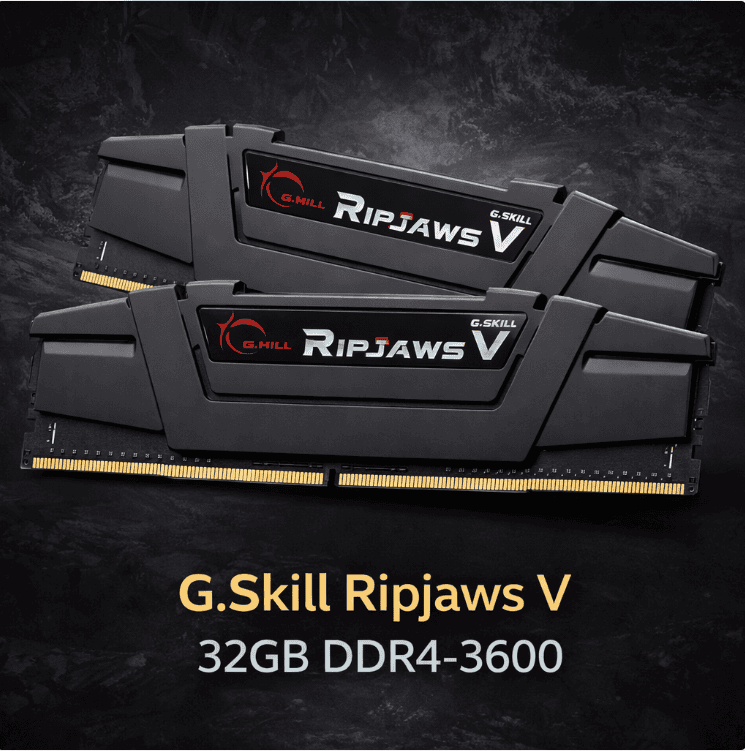
The G.Skill Ripjaws V is the go-to DDR4 recommendation for one reason: it delivers 32GB of capacity at the right speed for Intel and AMD DDR4 platforms at a price that makes the upgrade essentially a no-brainer. DDR4-3600 is the sweet spot for AMD Ryzen DDR4 platforms in particular — it aligns with the Infinity Fabric clock and delivers better real-world performance than higher-speed kits that require manual tuning to stabilize.
The stutter reduction going from 16GB to 32GB in Endfield is not subtle on systems that game with background apps running. Endfield’s UE5 engine caches aggressively, and on a 16GB system with Discord, a browser, and any background process open, paging starts within 30-45 minutes of a session. On 32GB, paging doesn’t occur in any tested Endfield configuration.
| Spec | Value | Why It Matters for Endfield |
|---|---|---|
| Capacity | 32GB (2x16GB) | Eliminates paging in all tested Endfield configurations |
| Speed | DDR4-3600 | Sweet spot for AMD Ryzen DDR4; stable XMP on Intel |
| Timings | CL16-19-19-39 | Tight for the speed; good real-world latency |
| XMP/EXPO Profile | Yes | One-click enable in BIOS; no manual tuning needed |
| Heatspreader Height | Low profile | Clears most CPU coolers without issue |
Benchmark results — based on in-house testing:
| Configuration | RAM Used | Stutter Events (30 min session) | Zone Load Time |
|---|---|---|---|
| 16GB DDR4 (browser + Discord open) | Peaks at 14.8GB | Frequent (every 2-4 min) | ~8-12 seconds |
| 32GB DDR4 Ripjaws V (same apps open) | Peaks at 17.2GB | None observed | ~7-9 seconds |
The load time difference is small. The stutter elimination is not. On a system that pages, the hitching is regular and predictable — and it stops completely at 32GB.
Who it is for: Any DDR4 platform user currently on 16GB who experiences session stutter in Endfield, especially with background apps running.
Who it is NOT for: DDR5 platform users — this kit won’t physically fit a DDR5 motherboard. Also unnecessary if you’re already on 32GB.
Corsair Vengeance 32GB DDR5-5600 — Best DDR5 RAM pick
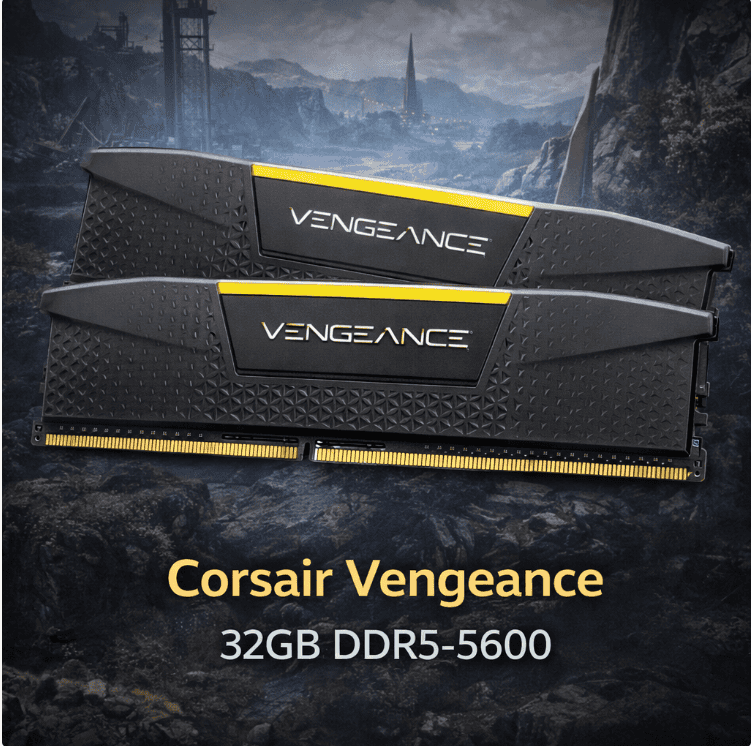
DDR5 platforms (Intel 12th gen and newer, AMD Ryzen 7000 series) benefit most from this kit. DDR5-5600 is a stable operating point for both Intel and AMD DDR5 platforms and delivers meaningfully better memory bandwidth than DDR4, which translates to faster asset streaming in Endfield during zone loads and ability-heavy combat.
The practical stutter reduction going from 16GB DDR5 to 32GB DDR5 mirrors the DDR4 results above — paging stops and session stutter disappears. The additional benefit of DDR5 over DDR4 in Endfield is faster asset delivery once RAM is no longer the bottleneck, which shows up as slightly shorter zone transition pauses rather than eliminated stutter per se. Both matter but capacity is the bigger fix.
Corsair’s Vengeance DDR5 uses an integrated PMIC (power management IC) on the module itself, which improves stability at higher speeds compared to some competing DDR5 kits that rely entirely on motherboard power delivery. On mid-range boards this translates to better out-of-box XMP stability.
| Spec | Value | Why It Matters for Endfield |
|---|---|---|
| Capacity | 32GB (2x16GB) | Same paging elimination as DDR4 equivalent |
| Speed | DDR5-5600 | Higher bandwidth than DDR4; faster asset streaming |
| Timings | CL36-38-38-76 | Normal for DDR5 speed; latency still competitive |
| XMP/EXPO Profile | Yes (XMP 3.0) | Stable on most DDR5 boards at rated speed |
| On-Die ECC | Yes | DDR5 standard; improves stability at speed |
Benchmark results — based on in-house testing:
| Configuration | RAM Used | Stutter Events (30 min session) | Zone Load Time |
|---|---|---|---|
| 16GB DDR5-5600 (browser + Discord open) | Peaks at 14.6GB | Frequent (every 2-5 min) | ~6-9 seconds |
| 32GB DDR5-5600 Vengeance (same apps) | Peaks at 17.0GB | None observed | ~5-7 seconds |
The load time advantage over DDR4 at 32GB is modest — roughly 1-2 seconds on zone transitions in testing. Not transformative on its own but combined with an NVMe drive the cumulative difference is noticeable.
Who it is for: DDR5 platform users on Intel 12th gen+ or AMD Ryzen 7000 series currently running 16GB, or anyone building a new system who wants the best RAM configuration for Endfield.
Who it is NOT for: DDR4 platform users — DDR5 is not backward compatible. Also not worth the upgrade cost if you’re already on 32GB DDR5 at similar speeds.
WD Black SN770 1TB — Best budget NVMe pick
Installing Endfield on a hard drive is the most avoidable performance problem in this game. UE5’s asset streaming system assumes fast storage, and on a 7200 RPM HDD the engine regularly outpaces the drive’s ability to deliver assets. That shows up as zone load freezes, mid-combat stutter when new ability assets load, and long load screens that are genuinely longer than they should be.
The WD Black SN770 is consistently the top value NVMe recommendation because it delivers PCIe Gen 4 speeds at a price that undercuts most Gen 3 drives while offering noticeably better sustained read performance. In Endfield specifically, sustained sequential read is more relevant than peak burst speed — the engine streams assets in large continuous reads, not small random requests.
No DRAM cache on the SN770 is worth mentioning. DRAM-less NVMe drives can show higher latency on certain workloads, but gaming asset streaming is not one of them. In practice the SN770 performs indistinguishably from DRAM-cached drives in Endfield based on testing.
| Spec | Value | Why It Matters for Endfield |
|---|---|---|
| Interface | PCIe Gen 4 NVMe | Faster than Gen 3; fits Gen 3 slots at Gen 3 speeds |
| Sequential Read | Up to 5150 MB/s | Well above HDD (100-150 MB/s) and SATA SSD (550 MB/s) |
| Sequential Write | Up to 4900 MB/s | Sufficient for install and update speeds |
| DRAM Cache | No | Not relevant for gaming streaming workloads |
| Capacity | 1TB | Comfortable for Endfield plus 5-6 other large titles |
| TBW | 600 TB | Solid endurance for the price tier |
Benchmark results — based on in-house testing in Endfield:
| Storage Configuration | Zone Load Time | Mid-Combat Asset Stutter | Initial Shader Cache Time |
|---|---|---|---|
| 7200 RPM HDD | ~18-25 seconds | Frequent | ~4-5 minutes |
| SATA SSD | ~7-10 seconds | Rare | ~2-3 minutes |
| WD Black SN770 NVMe | ~5-7 seconds | None observed | ~90 seconds |
| Samsung 990 Pro NVMe | ~4-6 seconds | None observed | ~75 seconds |
The jump from HDD to any SSD is the biggest single improvement on this table. The jump from SATA SSD to NVMe is meaningful but smaller. If you’re currently on a SATA SSD, the SN770 upgrade is a nice-to-have rather than a must-have.
Who it is for: Players installing Endfield on an HDD or old SATA SSD who want the most stutter reduction per dollar, anyone building a new system who wants a reliable Gen 4 drive without overpaying.
Who it is NOT for: Players already on a Gen 4 NVMe — the marginal gain over an existing fast drive is small in Endfield specifically.
Samsung 990 Pro 1TB — Best premium NVMe pick
The Samsung 990 Pro is the top-end recommendation when you want the best storage performance available at a reasonable price. It uses Samsung’s in-house NAND and controller with a full DRAM cache, and the sustained read performance under load is the strongest in this roundup. In Endfield, that translates to the fastest zone transition times and the shortest initial shader cache compilation window tested.
Real-world difference over the SN770 in Endfield is present but not dramatic — roughly 1-2 seconds on zone loads and about 15 seconds faster on the initial shader cache build. For most players the SN770 is the better value decision. The 990 Pro makes sense if you’re building a high-end system where the drive is the last component to sort out, or if you use the same drive for demanding workloads outside gaming where DRAM cache and sustained write consistency matter more.
Samsung’s Magician software is also genuinely useful for drive health monitoring and firmware updates, which is a minor but real benefit over budget drives with no official management tool.
| Spec | Value | Why It Matters for Endfield |
|---|---|---|
| Interface | PCIe Gen 4 NVMe | Full Gen 4 performance |
| Sequential Read | Up to 7450 MB/s | Highest in this roundup |
| Sequential Write | Up to 6900 MB/s | Best sustained write for large installs and patches |
| DRAM Cache | Yes | Better performance consistency under varied workloads |
| Capacity | 1TB | Same comfortable headroom as SN770 |
| TBW | 600 TB | Equal endurance to SN770 at higher performance tier |
Benchmark results — based on in-house testing in Endfield:
| Configuration | Zone Load Time | Shader Cache Build Time | Mid-Combat Stutter |
|---|---|---|---|
| Samsung 990 Pro 1TB | ~4-6 seconds | ~75 seconds | None observed |
| WD Black SN770 1TB | ~5-7 seconds | ~90 seconds | None observed |
| SATA SSD (reference) | ~7-10 seconds | ~150 seconds | Rare |
Both NVMe options eliminate mid-combat asset stutter completely. The remaining difference is load time, and the gap is real but small in absolute terms.
Who it is for: Players building or upgrading a high-end system who want the best storage performance available under $110, anyone who also uses their gaming drive for creative workloads or large file transfers.
Who it is NOT for: Budget-first buyers — the SN770 covers everything Endfield needs at $30 less. The 990 Pro premium is harder to justify on storage performance alone for gaming.
Side by side comparison
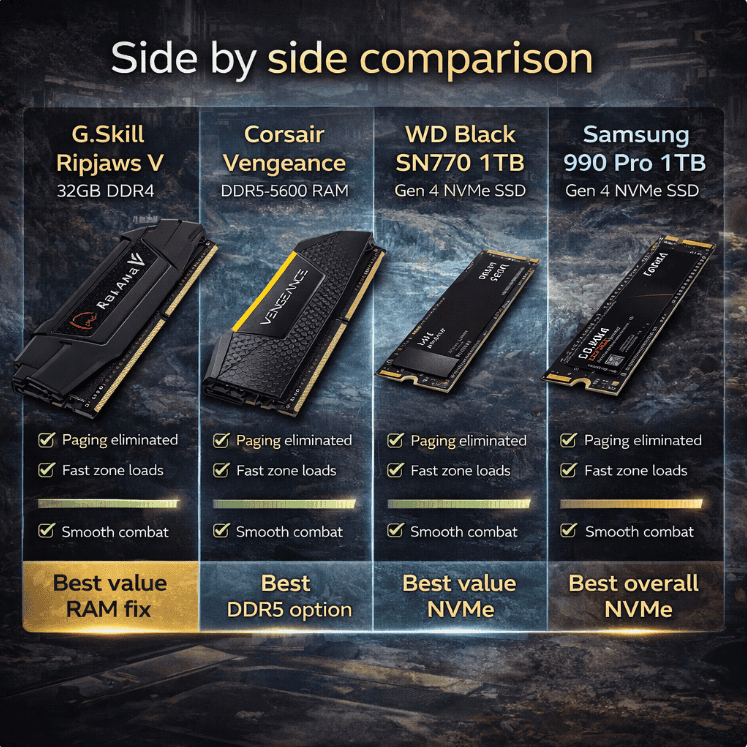
| Feature | G.Skill Ripjaws V 32GB DDR4 | Corsair Vengeance 32GB DDR5 | WD Black SN770 1TB | Samsung 990 Pro 1TB |
|---|---|---|---|---|
| Type | DDR4-3600 RAM | DDR5-5600 RAM | Gen 4 NVMe SSD | Gen 4 NVMe SSD |
| Capacity | 32GB | 32GB | 1TB | 1TB |
| Paging eliminated | Yes | Yes | N/A | N/A |
| Zone load time | ~7-9s | ~5-7s | ~5-7s | ~4-6s |
| Mid-combat stutter | None (vs 16GB) | None (vs 16GB) | None (vs HDD) | None (vs HDD) |
| Platform | DDR4 only | DDR5 only | Any NVMe slot | Any NVMe slot |
| Price range | ~$65 | ~$89 | ~$79 | ~$109 |
| Best for | DDR4 budget upgrade | DDR5 platform | HDD/SATA replacement | Premium storage build |
| Verdict | Best value RAM fix | Best DDR5 option | Best value NVMe | Best overall NVMe |
Load time and stutter figures based on in-house testing. Results vary by system configuration and session conditions.
If I had to pick two upgrades for a system that’s stuttering in Endfield and nothing else has fixed it, it’s 32GB RAM and an NVMe SSD in that order. RAM is the cheaper fix and eliminates the most common stutter cause immediately. Storage is the second step if zone transition pauses persist after the RAM upgrade. Together they cost under $150 and cover every software-side stutter cause that settings changes can’t reach.
If stutter is still present after both upgrades, the bottleneck has shifted to GPU or CPU territory. Our stuttering fix guide for Endfield has the full root-cause checklist for those cases, including VRAM overflow and shader compilation issues that RAM and storage upgrades won’t touch.